Plain HTML Invoice Document Format
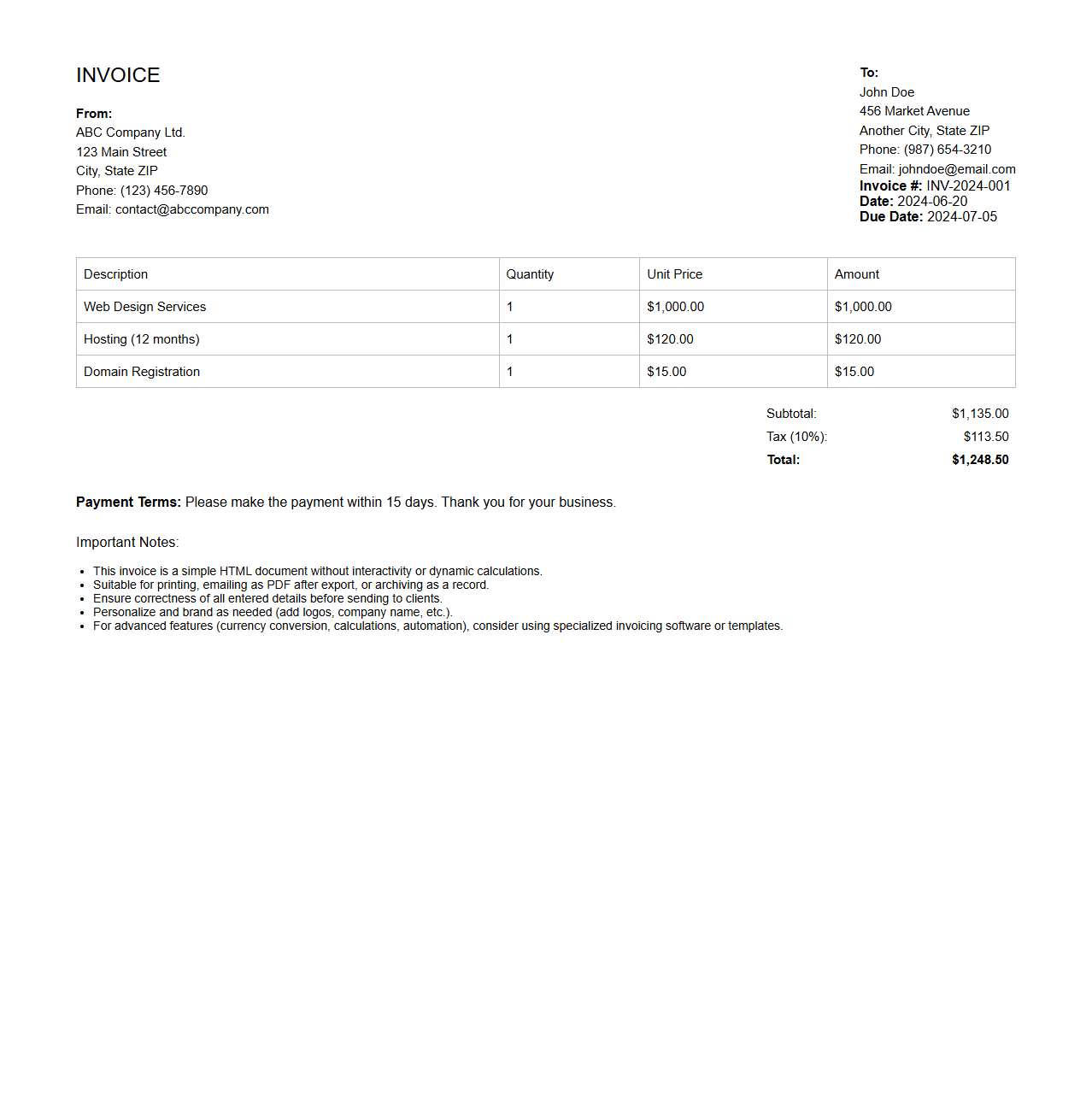
A Plain HTML Invoice Document Format is a straightforward, text-based invoice created using standard HTML tags without additional styling or scripting. This format ensures maximum compatibility across different devices and platforms, making it easy to generate, view, and print invoices directly from a web browser. The
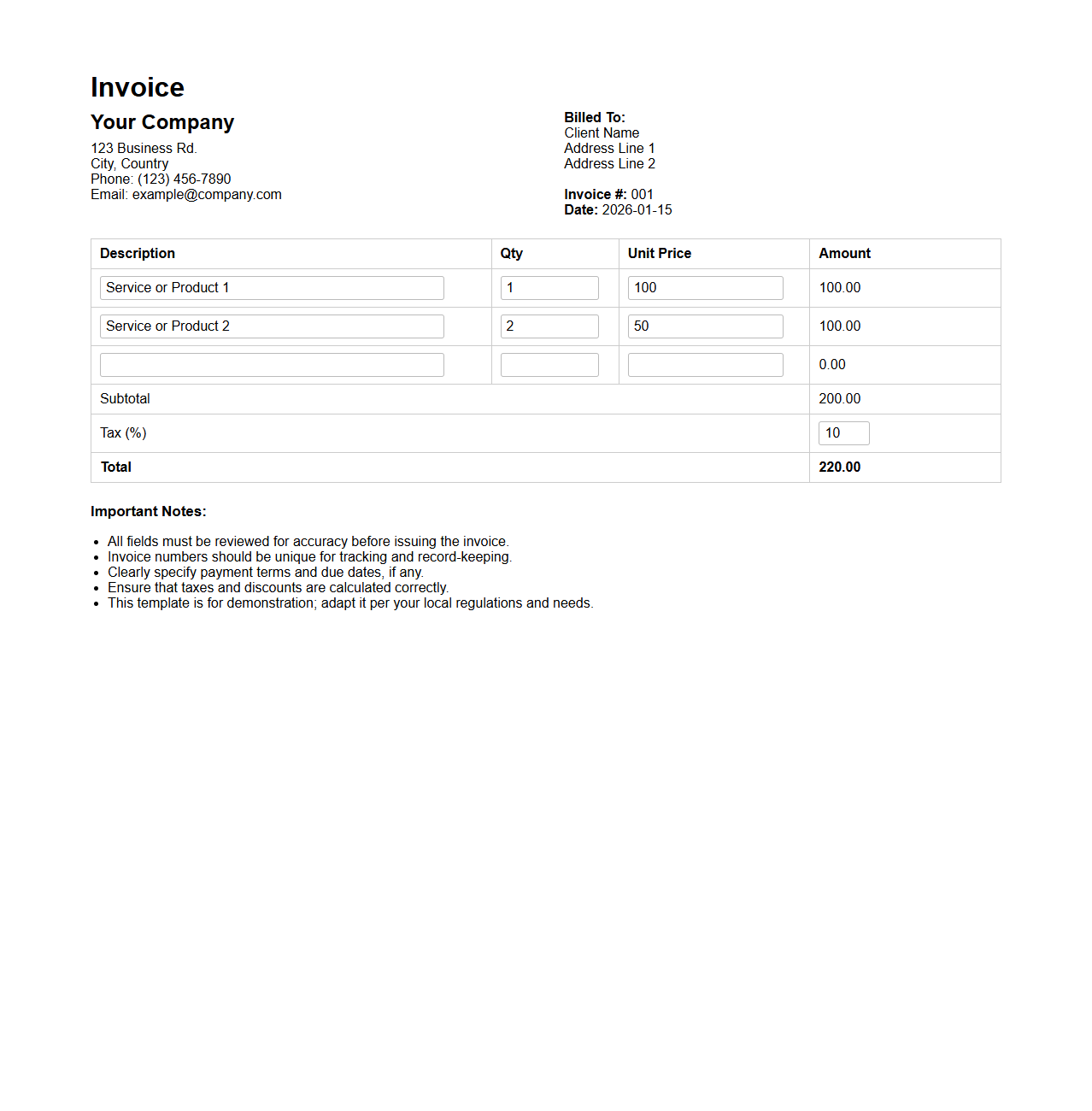
Plain HTML Invoice allows for clear presentation of billing details while maintaining simplicity and accessibility.
HTML with Embedded CSS Invoice Format
An
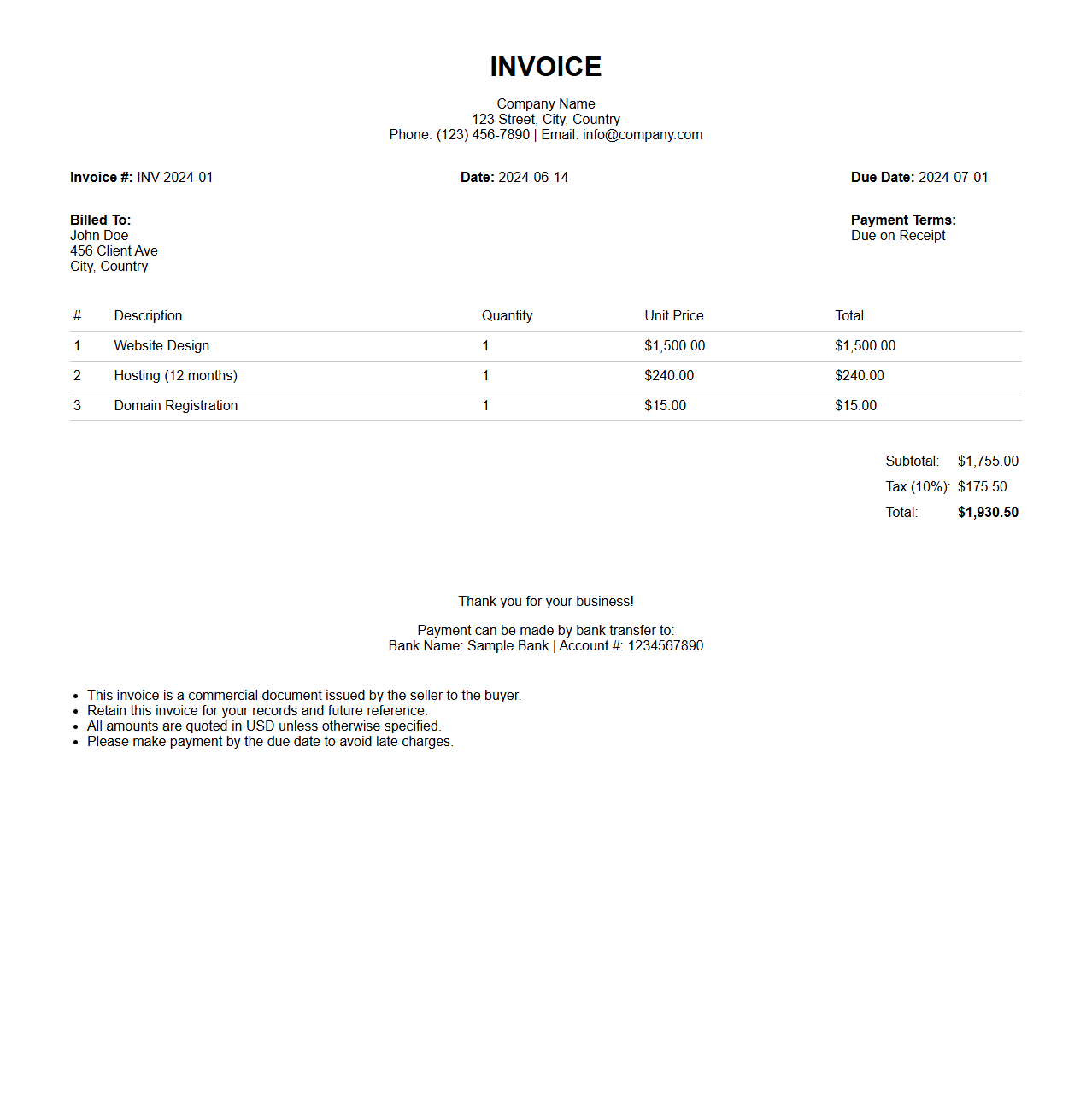
HTML with Embedded CSS Invoice Format document combines HTML structure and CSS styling within the same file to create a professional, visually appealing invoice layout. This format allows precise control over design elements like fonts, colors, borders, and spacing without requiring external style sheets. Utilizing embedded CSS enhances portability and ease of customization, making it ideal for generating consistent, printable invoices directly from web applications.
HTML Invoice with Inline CSS Format
An
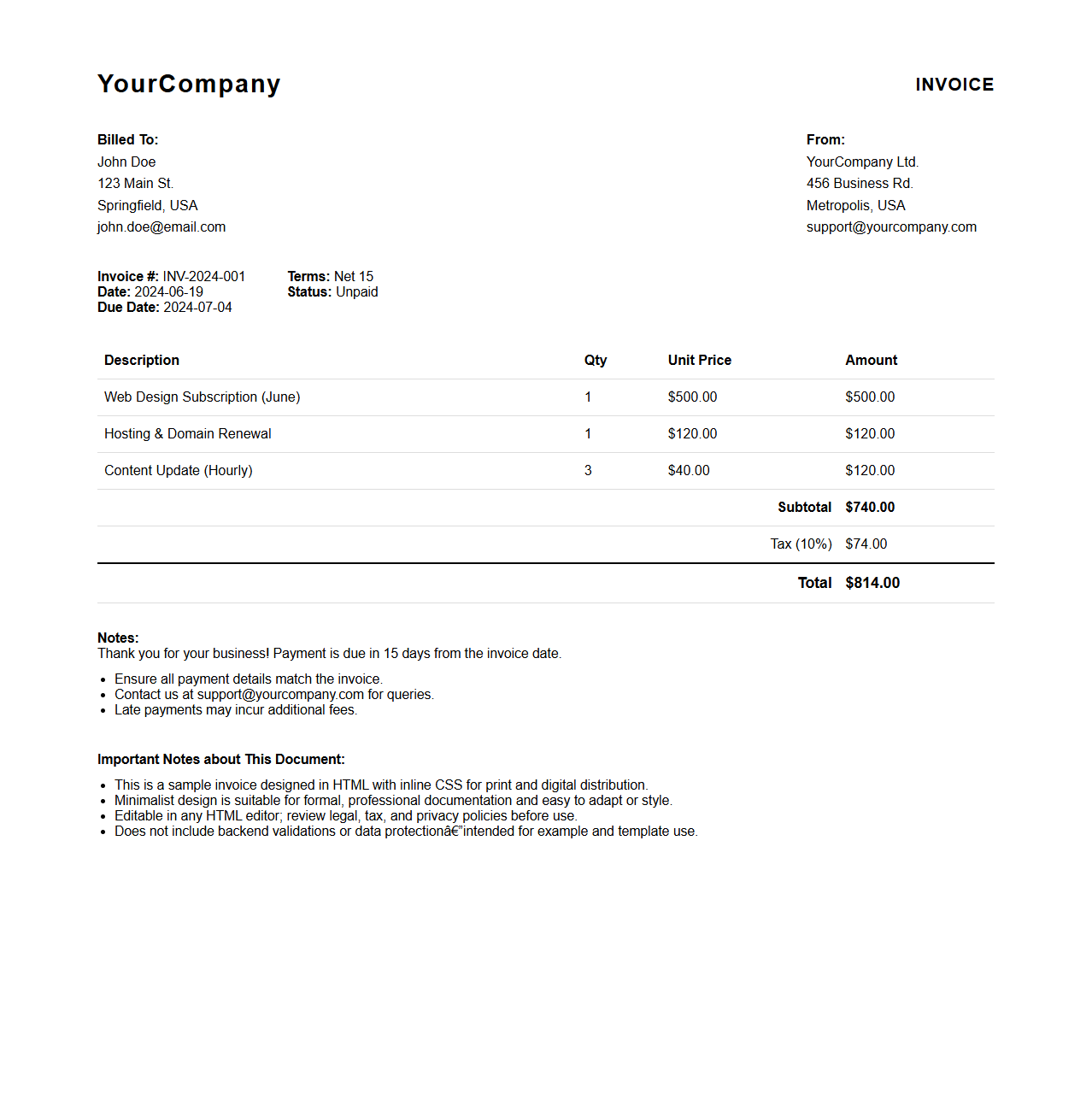
HTML Invoice with Inline CSS Format document is a web-based file that combines the structure of an invoice with embedded CSS styles directly within HTML elements. This format allows for seamless presentation of invoice details such as item descriptions, quantities, prices, and totals in a visually consistent manner across different email clients or browsers without relying on external style sheets. Inline CSS ensures that the styling remains intact during transmission, making it ideal for automated invoicing systems and responsive email templates.
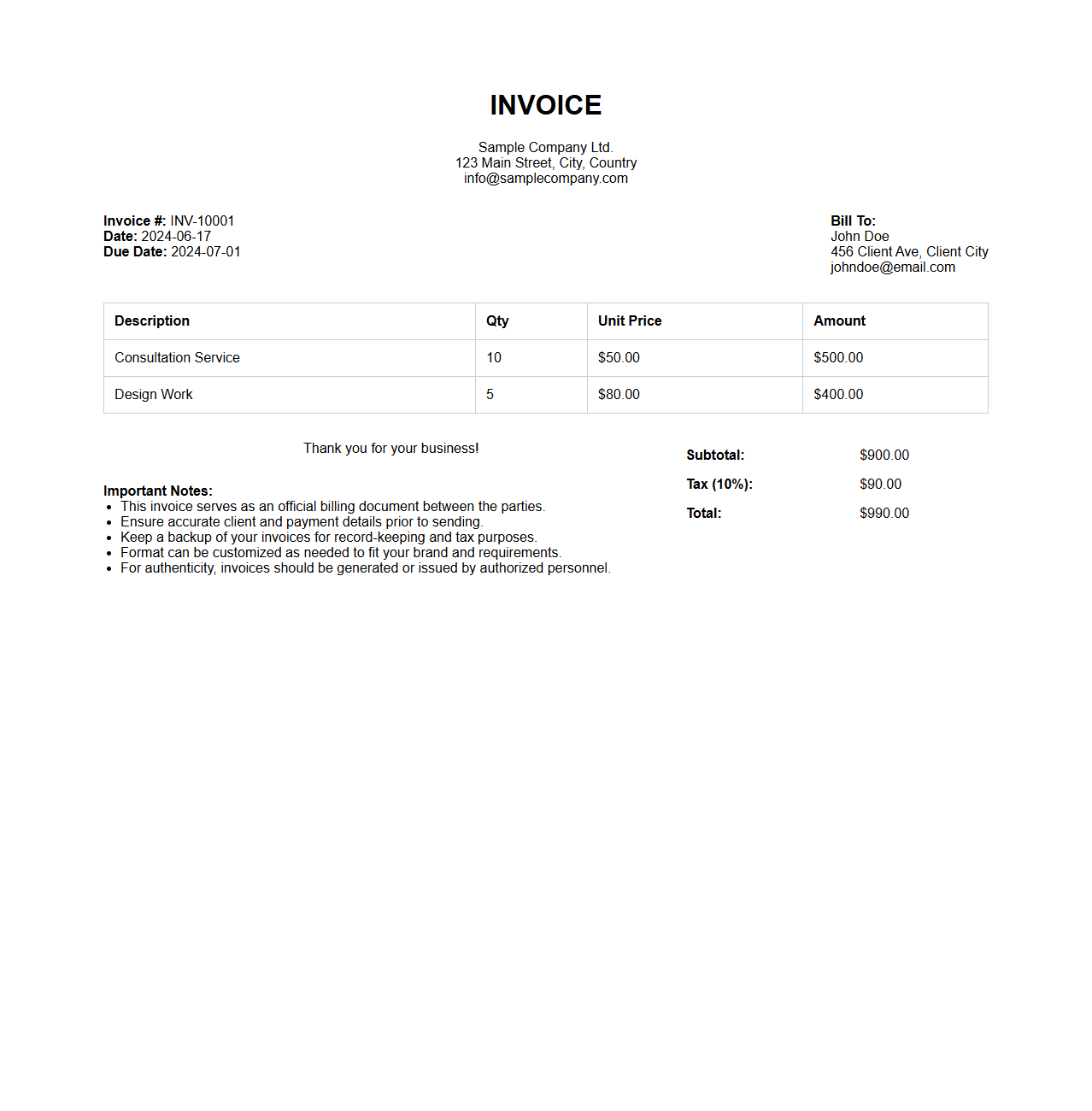
HTML Invoice Utilizing Table-Based Layout
An
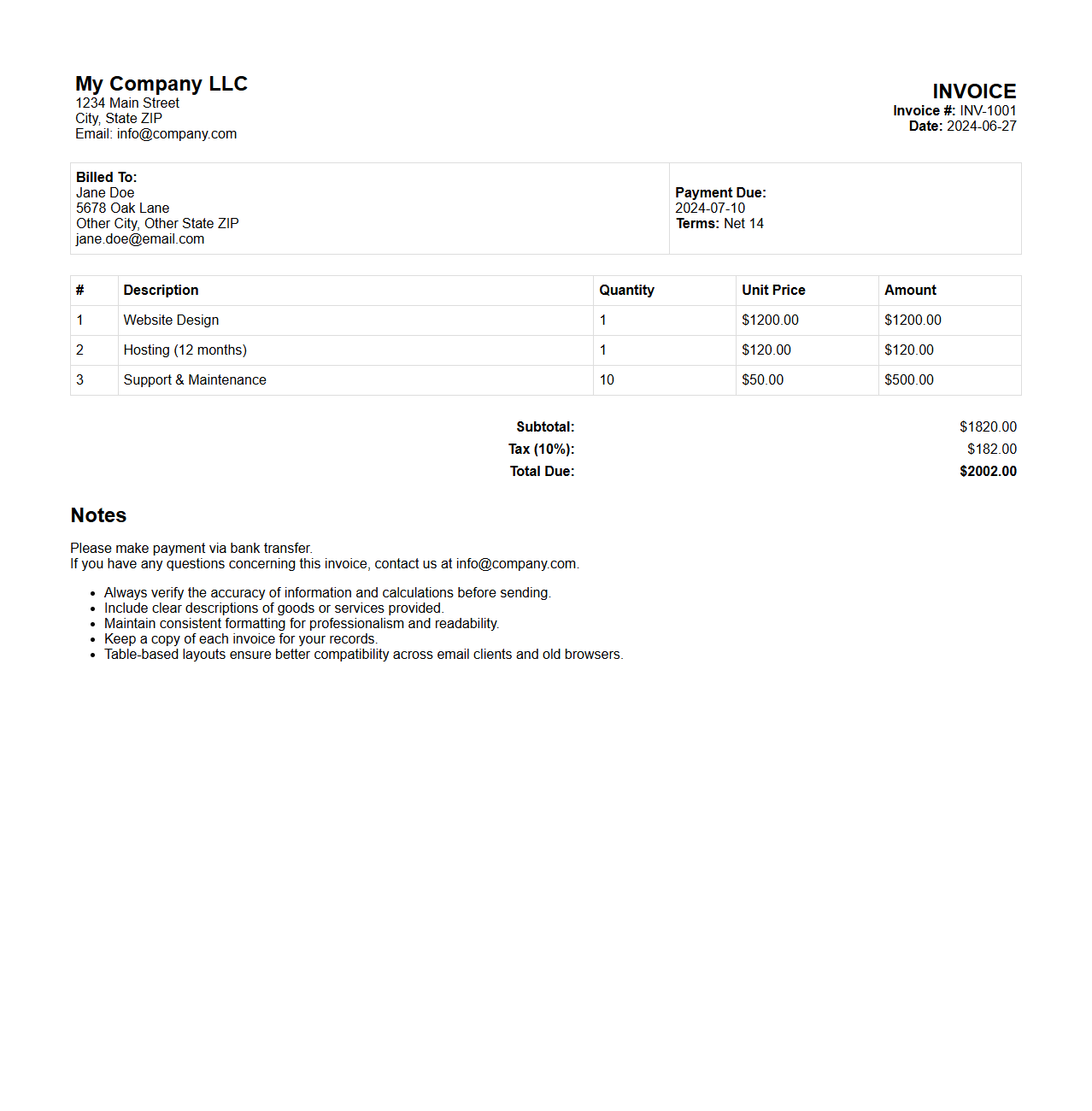
HTML Invoice Utilizing Table-Based Layout document organizes billing information using HTML tables to ensure clear structure and easy readability. This method leverages table rows and columns to segment elements such as item descriptions, quantities, prices, and totals, maintaining alignment across different devices and email clients. By using table-based layouts, invoices present data in a consistent, professional format that improves clarity and user understanding.
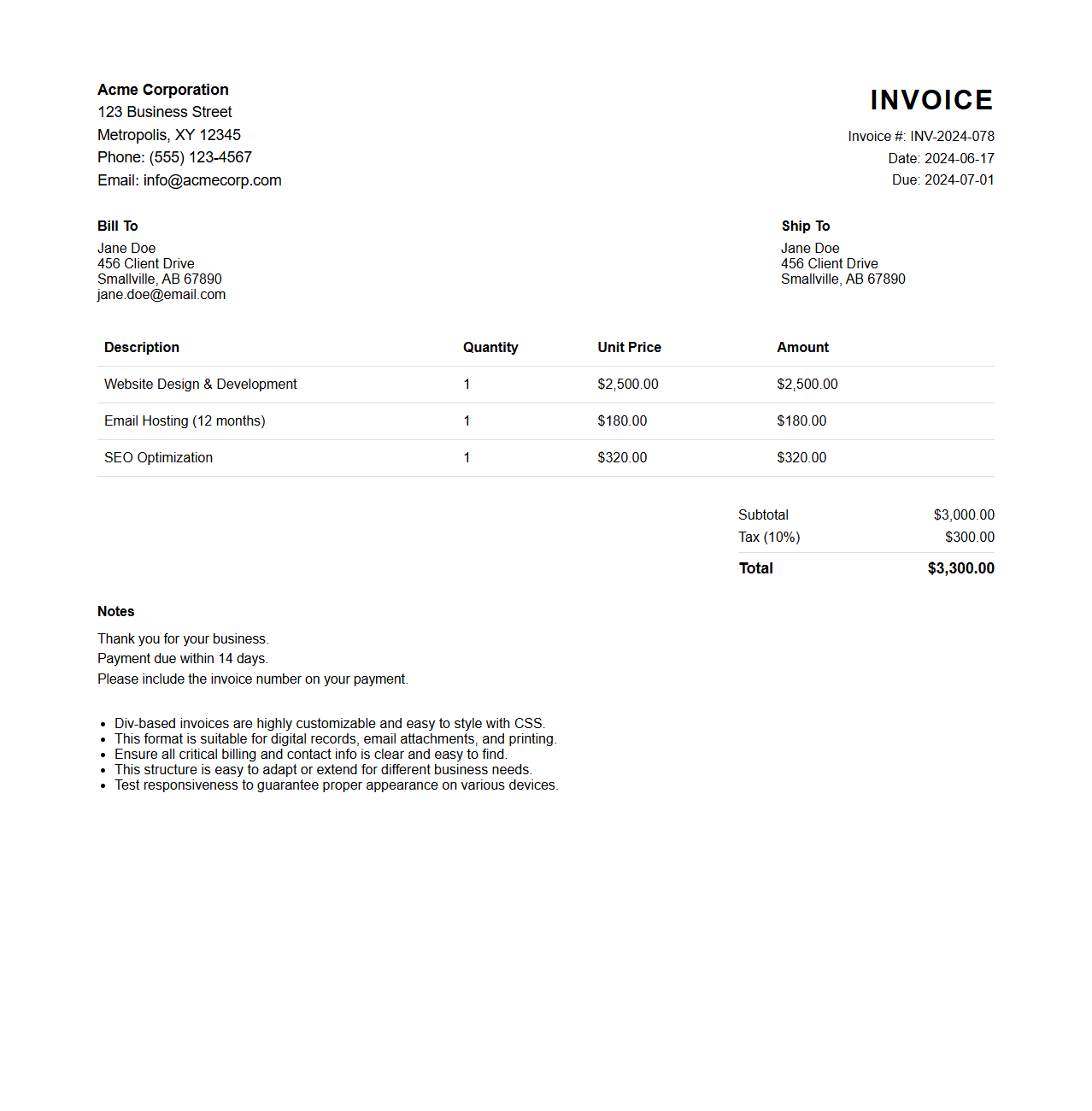
Div-Based HTML Invoice Format
A
Div-Based HTML Invoice Format document uses
elements instead of traditional table tags to structure invoice content, enabling greater flexibility in layout and styling through CSS. This format enhances responsiveness, allowing invoices to display consistently across various devices and screen sizes, improving user experience. It is widely adopted in modern web design for dynamic invoice generation and easy customization.
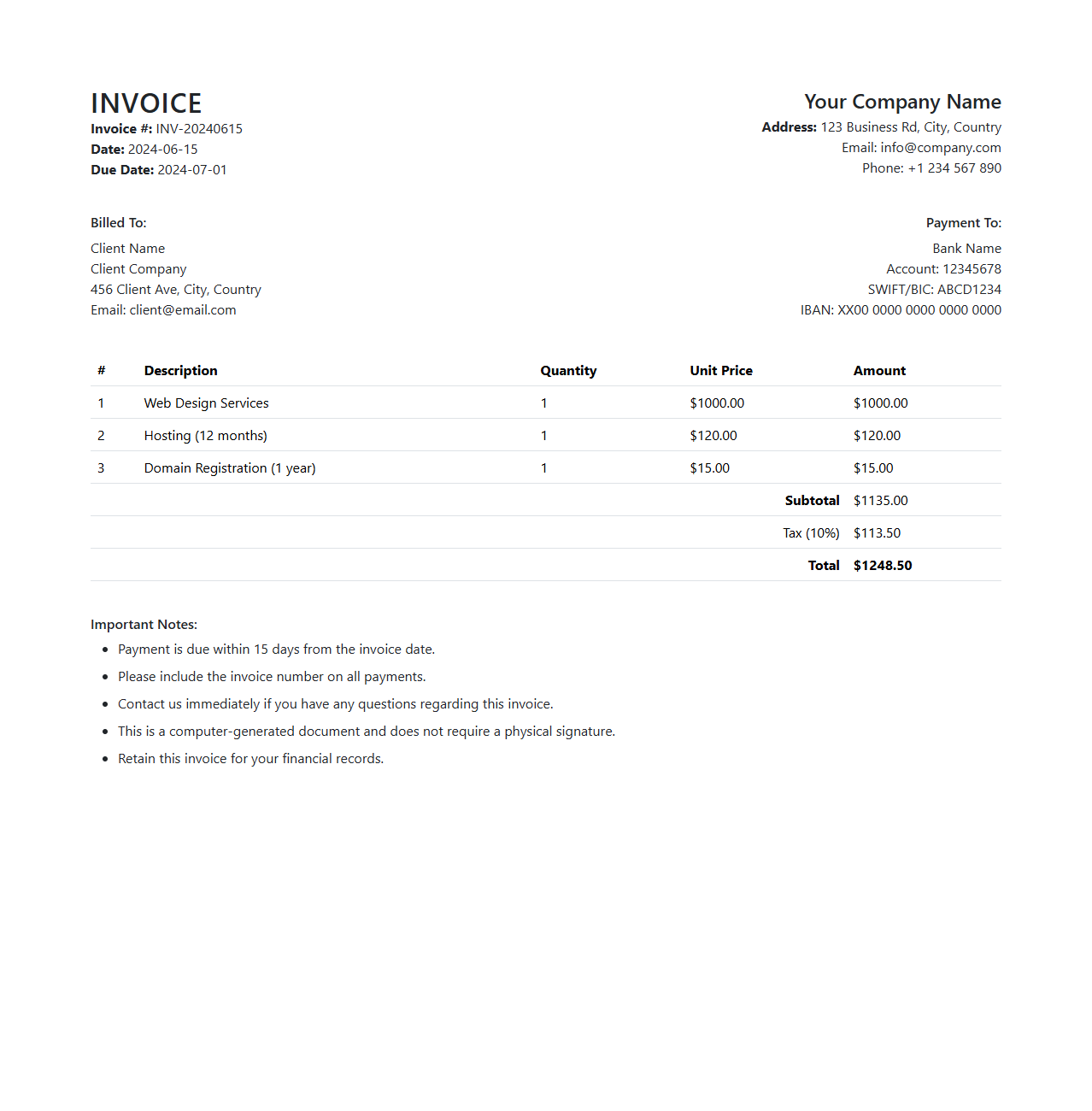
HTML Invoice Template with Bootstrap
An
HTML Invoice Template with Bootstrap document is a pre-designed invoice structure built using HTML and styled with Bootstrap's responsive framework, ensuring seamless display across various devices. It incorporates standardized elements like itemized billing, totals, and company details, optimized for both desktop and mobile interfaces. This template simplifies invoice creation, enabling quick customization and professional presentation with minimal coding effort.
Responsive HTML Invoice Document Format
A
Responsive HTML Invoice Document Format is a digital invoice template designed using HTML and CSS that automatically adjusts its layout and content to fit different screen sizes and devices, ensuring optimal readability on desktops, tablets, and smartphones. This format allows businesses to create professional, interactive, and easily accessible invoices that enhance user experience and streamline payment processes. By leveraging responsive design principles, the invoice remains clear and legible regardless of the platform, improving client communication and operational efficiency.
HTML Invoice Format with External CSS
An
HTML invoice format with external CSS is a structured web document designed to present billing information clearly and professionally, utilizing HTML for layout and content, while external CSS handles styling for consistency and ease of maintenance. This separation of concerns enhances performance by allowing multiple invoices to share the same stylesheet, reducing redundancy and improving load times. It enables responsive design adjustments, ensuring the invoice displays correctly across different devices and screen sizes.
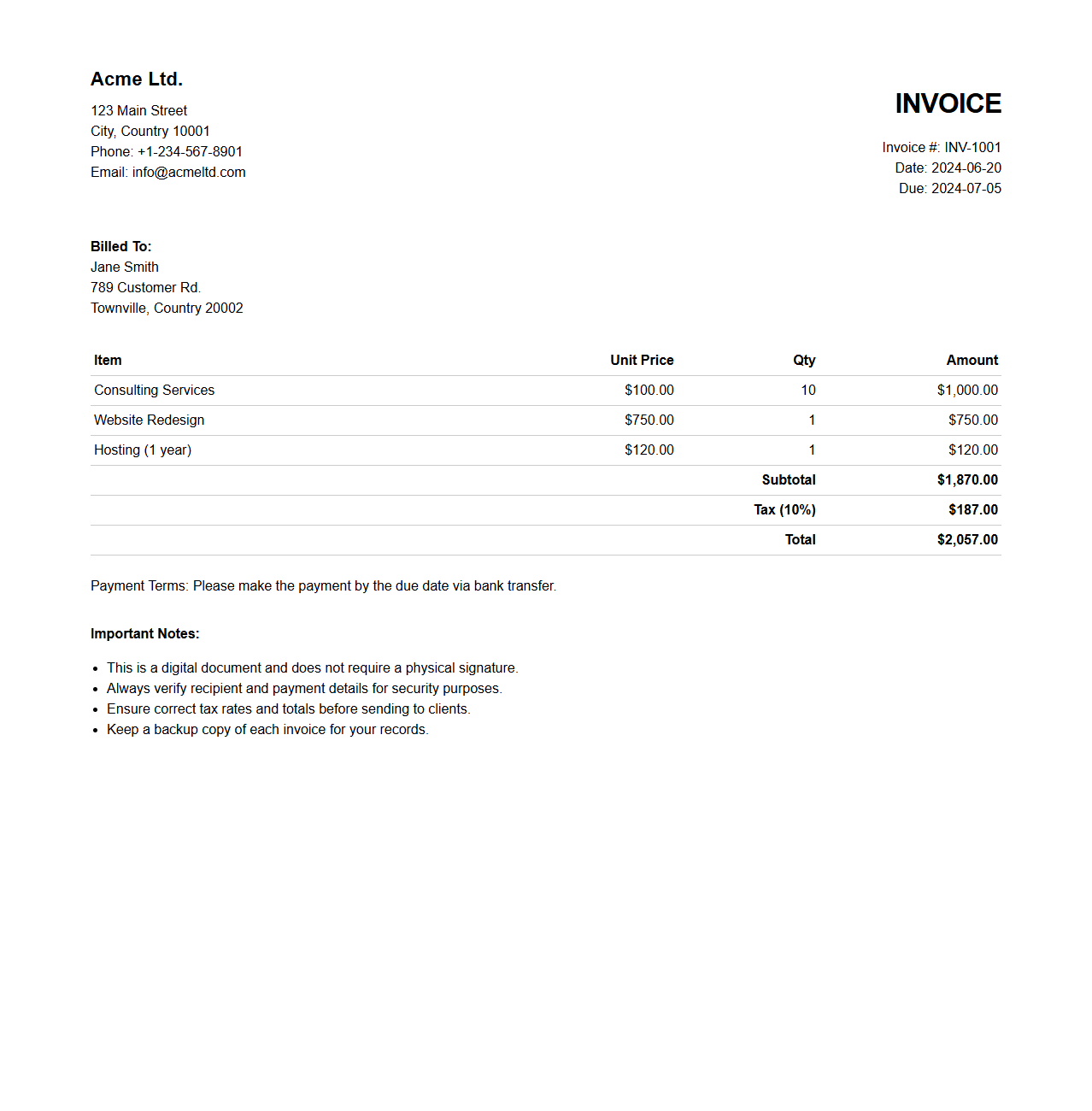
Minimalist HTML Invoice Layout
A
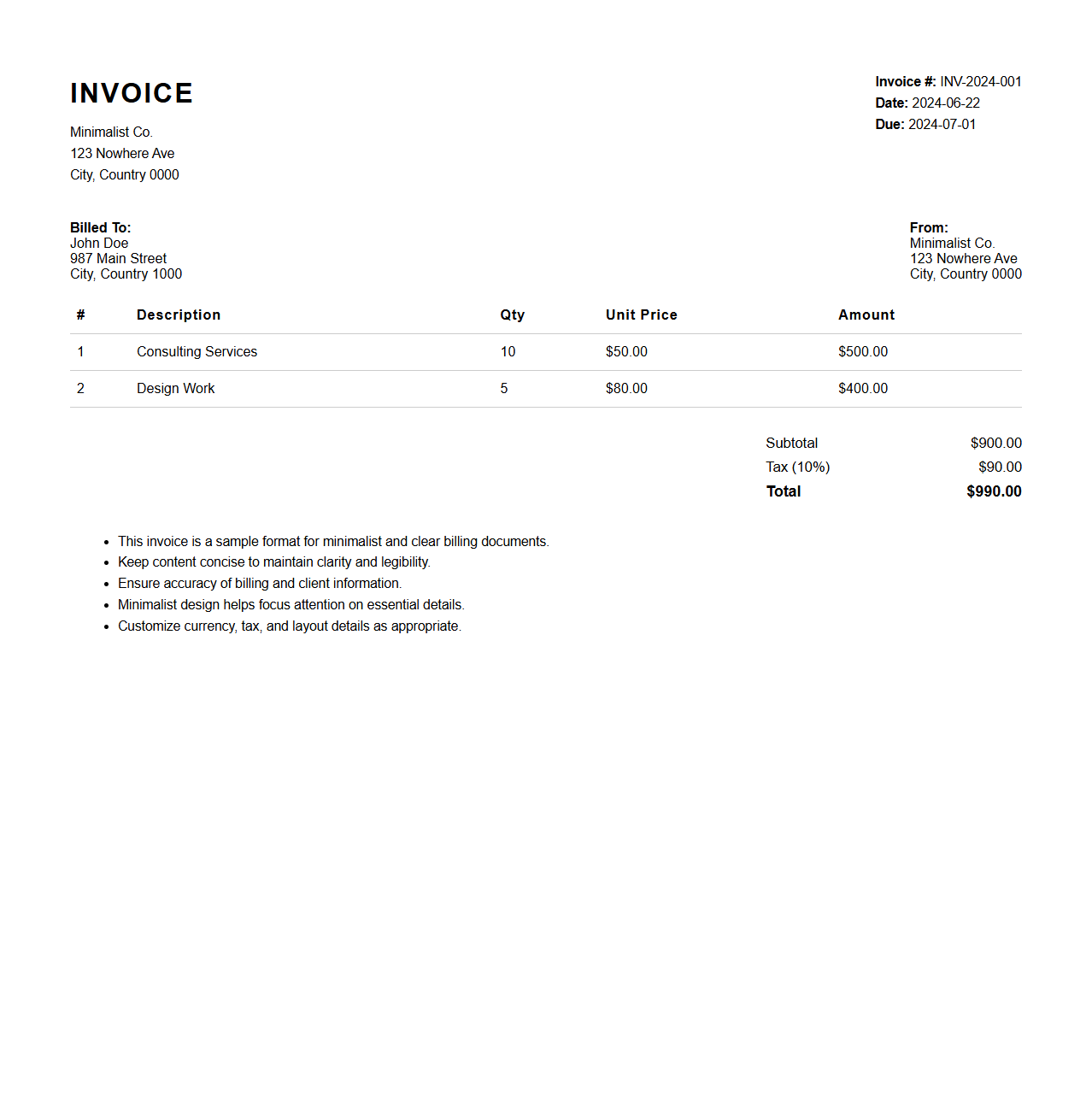
Minimalist HTML Invoice Layout document is a clean, streamlined design template used for creating professional invoices with simple HTML structure and minimal styling. It focuses on essential invoice elements such as item descriptions, quantities, prices, and totals, ensuring clarity and easy readability across different devices. This layout enhances user experience by eliminating unnecessary clutter while maintaining functionality and responsiveness.
HTML Invoice Template with JavaScript for Calculations
An
HTML Invoice Template with JavaScript for Calculations is a web-based document designed to create and display invoices dynamically. It uses HTML to structure the invoice layout, while embedded JavaScript performs real-time calculations such as totals, taxes, and discounts, enhancing accuracy and efficiency. This template is ideal for businesses seeking automated billing solutions without relying on external software, allowing instant updates and customization.
What HTML elements are best for structuring an invoice table?
The <table> element is best for organizing invoice data such as item lists and totals in a clear, structured format. Use <thead> for headers, <tbody> for the main content, and <tfoot> for summary rows like totals. Adding <th> and <td> elements ensures proper semantics and better accessibility.
How do you semantically mark invoice metadata (invoice number, date) in HTML?
Invoice metadata can be marked using the <dl> element to create a description list for terms like invoice number and date. Use <dt> for labels and <dd> for their corresponding values to improve clarity. This semantic approach enhances machine readability and accessibility for screen readers.
Which HTML5 tags can enhance accessibility for invoice layouts?
HTML5 tags like <header>, <section>, and <footer> provide meaningful landmarks for screen readers navigating invoice content. Using aria-label attributes can further clarify roles of specific elements, improving navigability. These practices boost overall accessibility and user experience for diverse audiences.
How can custom CSS classes ensure proper print formatting of HTML invoices?
Custom CSS classes allow precise control over print styles by targeting specific invoice sections like headers, tables, and footers. Utilizing @media print queries ensures the invoice layout adapts for paper without unnecessary webpage elements. This method guarantees clean, professional printed copies consistent with on-screen design.
What's the best way to embed a company logo in an HTML invoice for email compatibility?
Embedding the logo using an <img> element with an absolute URL to a reliable server ensures broad email client compatibility. Inline Base64 encoding is an alternative but can increase email size and reduce deliverability. Providing descriptive alt text enhances accessibility and maintains branding if images fail to load.