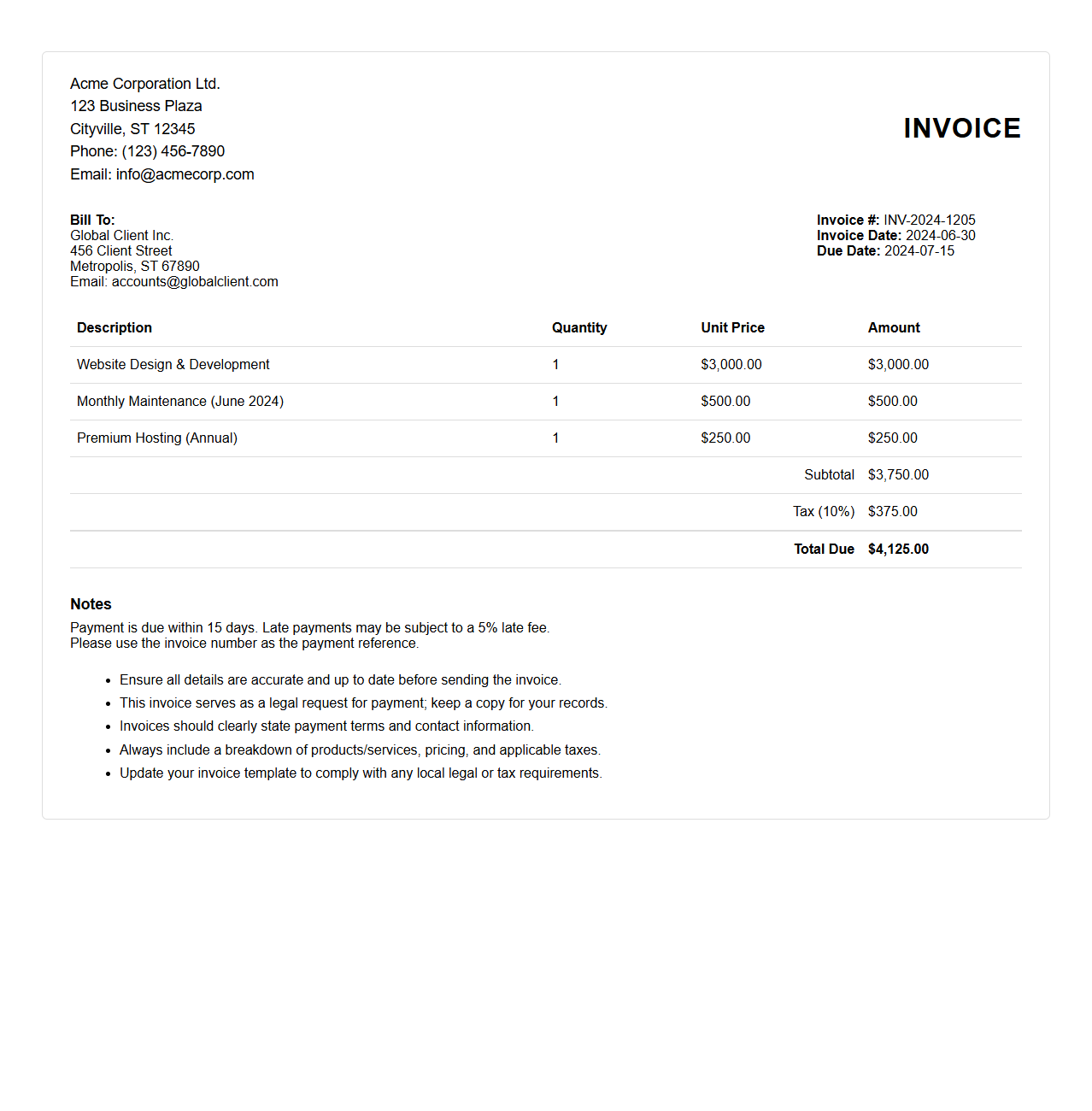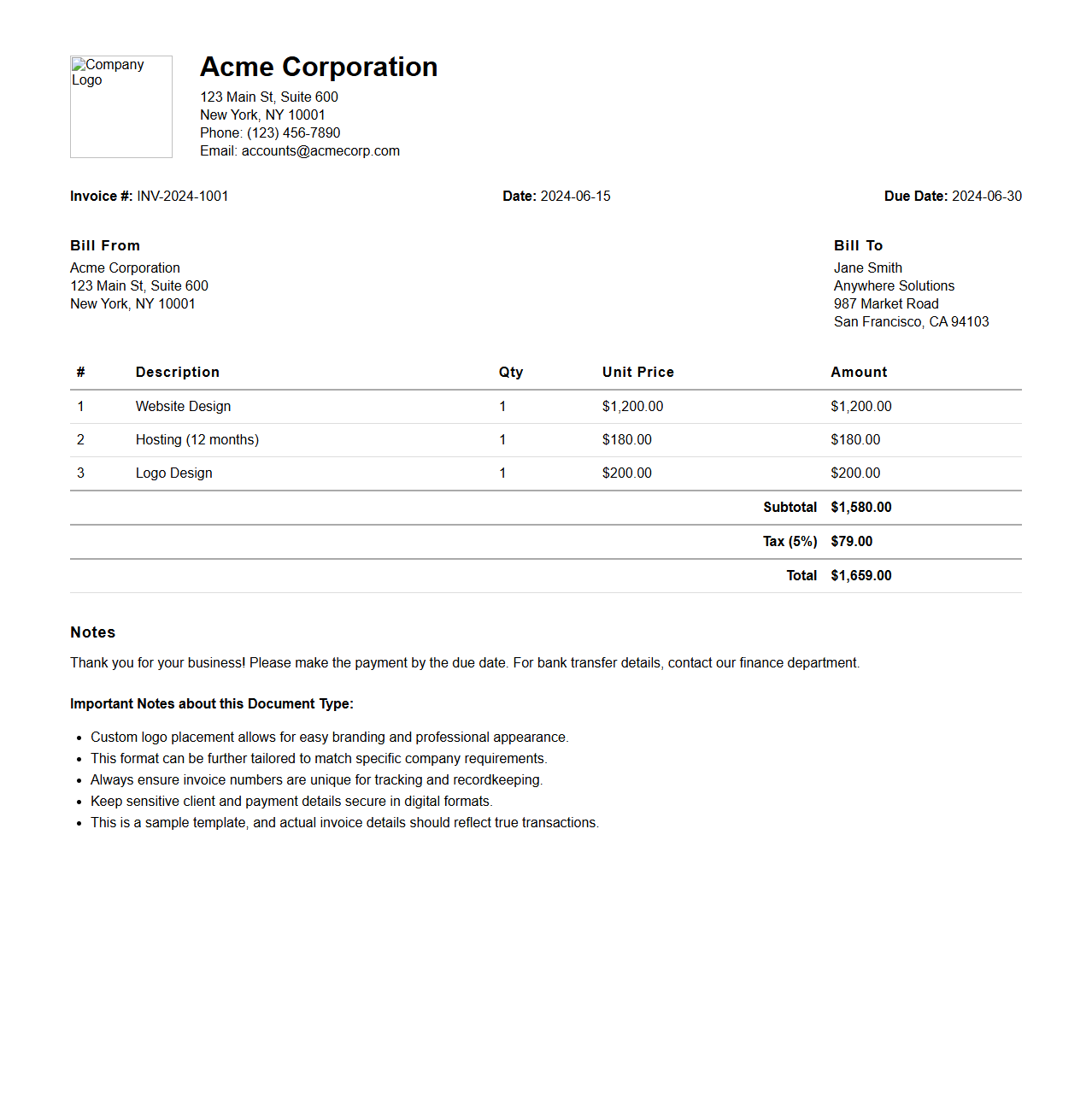
The format of HTML file for invoice typically includes structured elements such as headers, tables, and footers to display invoice details clearly. It uses tags like <table>, <tr>, and <td> for organizing item descriptions, quantities, prices, and totals. Inline CSS or external stylesheets enhance the presentation, making the invoice both readable and professional.
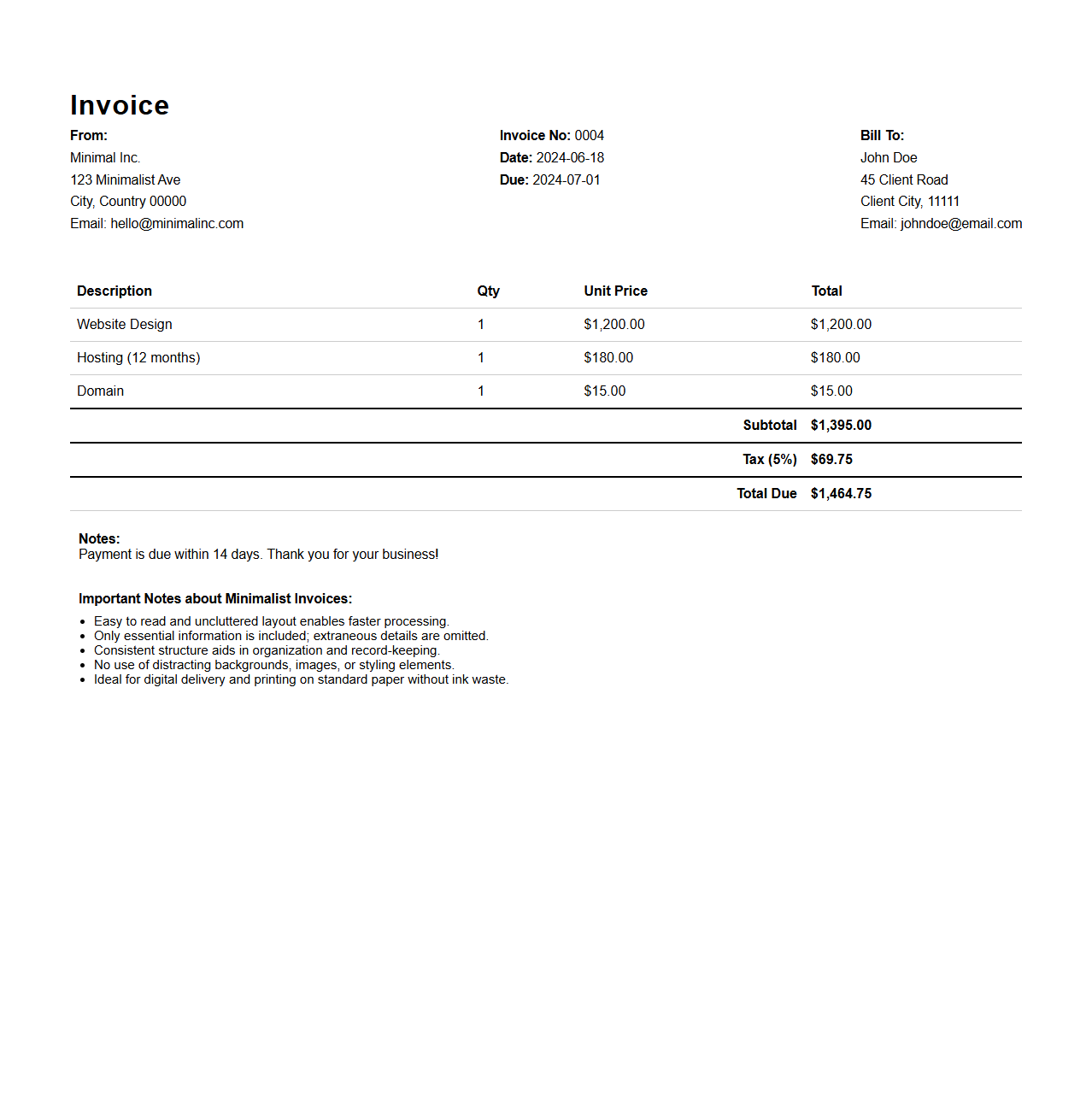
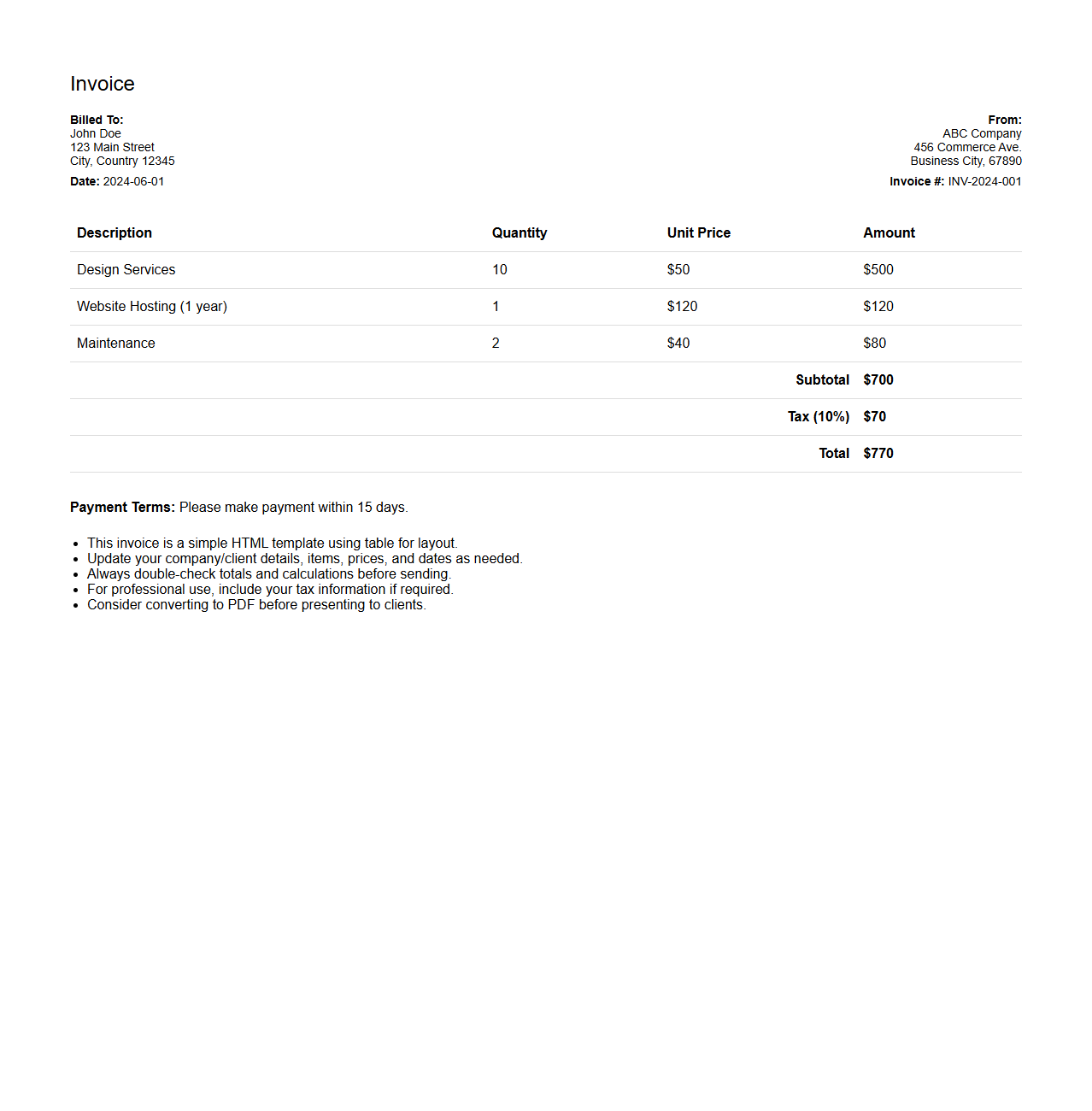
Minimalist HTML Invoice Template Format
A
Minimalist HTML Invoice Template Format document is a streamlined, cleanly coded file designed to generate professional invoices with essential details such as billing information, itemized charges, and payment terms. This format ensures fast loading times and easy customization using basic HTML and CSS, making it ideal for businesses seeking simple, effective invoicing solutions. Its minimal design reduces clutter, enhancing readability and usability across different devices and platforms.
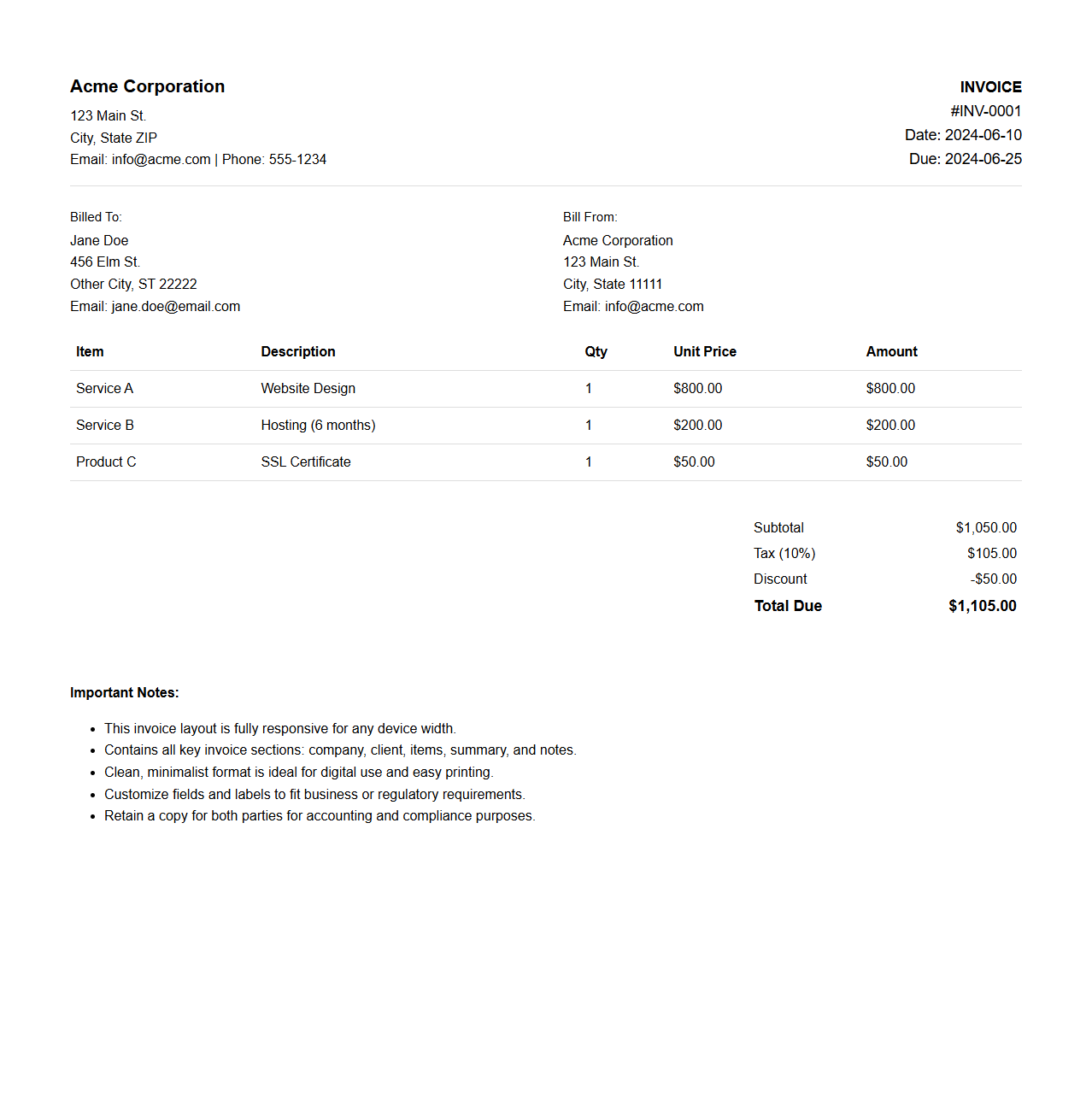
Responsive HTML Invoice Layout Format
A
Responsive HTML Invoice Layout Format document is designed to adapt seamlessly across various devices and screen sizes, ensuring clarity and usability on desktops, tablets, and smartphones. It uses HTML and CSS techniques like flexible grids and media queries to maintain the structured presentation of invoice details such as itemized billing, totals, and payment information. This format enhances user experience by allowing easy viewing, printing, and digital storage of invoices without layout distortion.
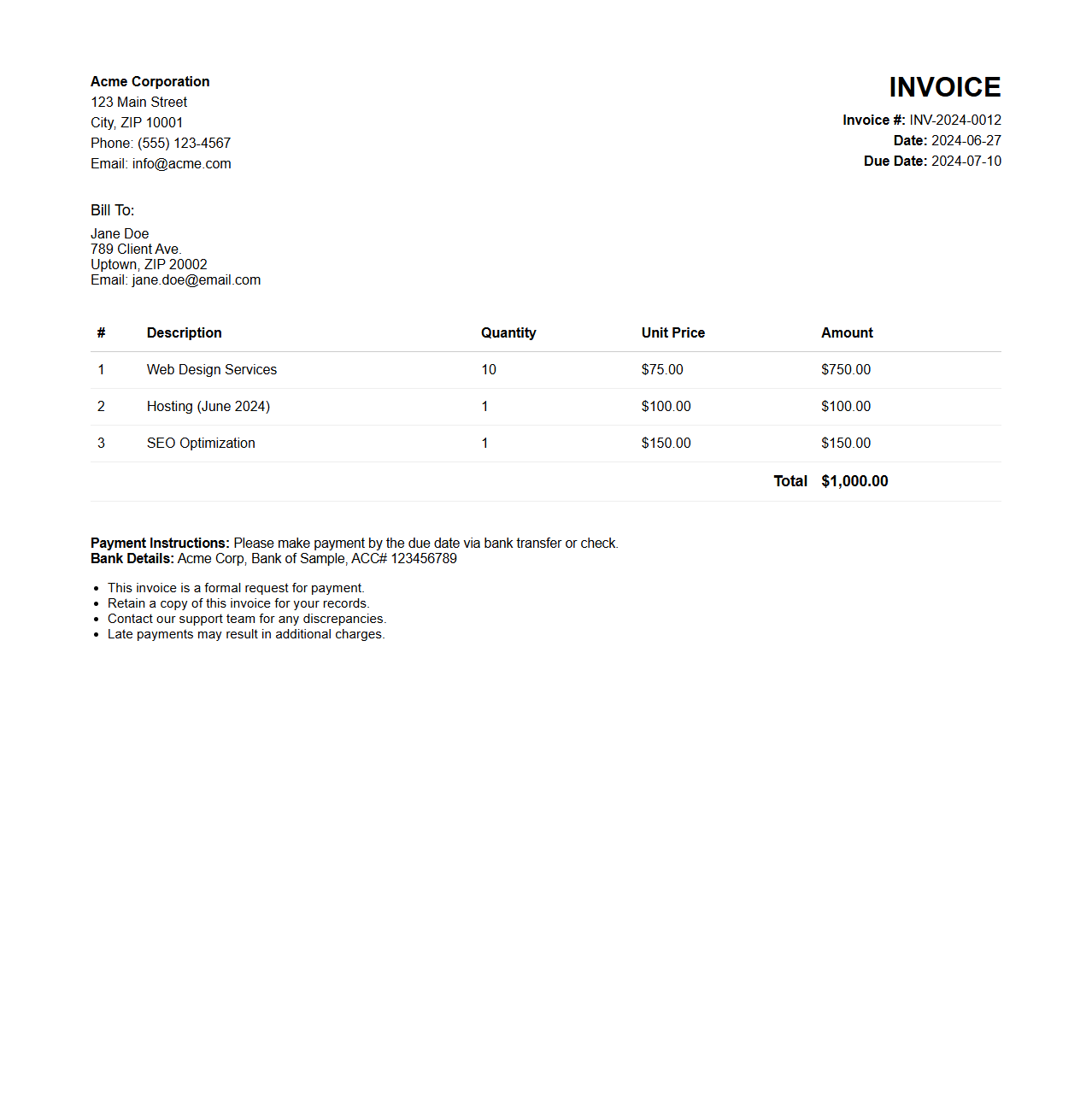
HTML Invoice Format with Embedded CSS
An
HTML Invoice Format with Embedded CSS document is a structured template that uses HTML to organize invoice content, while embedded CSS styles the layout directly within the same file. This approach allows for consistent presentation of elements such as item lists, totals, and payment details without relying on external style sheets. The embedded CSS ensures that the invoice remains visually appealing and print-friendly across different devices and email clients.
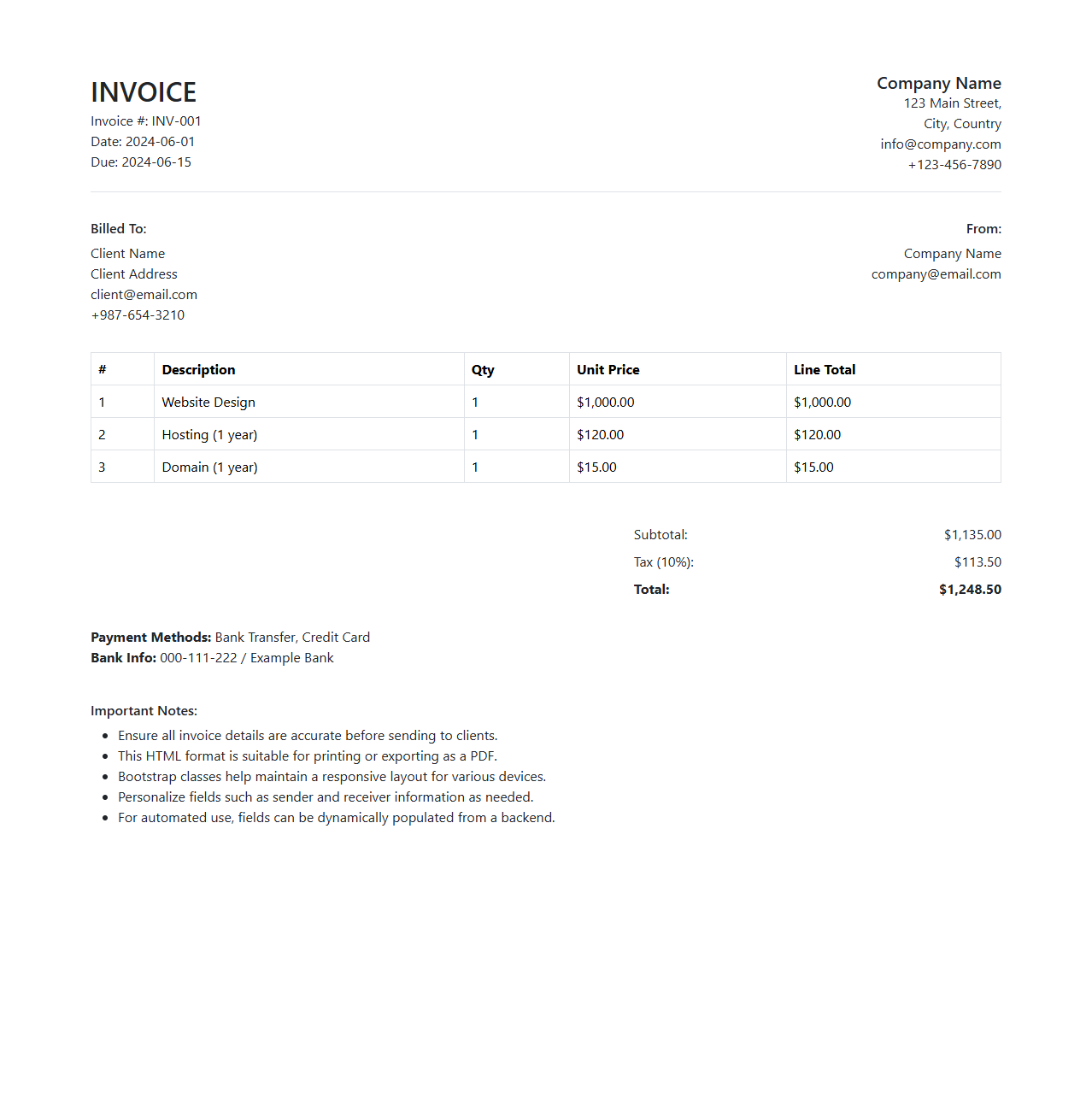
HTML Invoice File Format Using Bootstrap
An
HTML invoice file format using Bootstrap is a web-based template designed to create visually appealing and responsive invoices through the Bootstrap framework's grid system and styling components. This format ensures compatibility across devices and browsers, enhancing user experience with clean layouts and customizable elements such as tables, buttons, and typography. Leveraging Bootstrap's built-in CSS classes, the invoice document can be easily styled and maintained, allowing for efficient generation and presentation of professional billing information.
Simple Table-Based HTML Invoice Format
A
Simple Table-Based HTML Invoice Format document is structured using basic HTML table elements to organize invoice data clearly and efficiently. This format allows for easy presentation of billing details, including item descriptions, quantities, prices, and totals, ensuring compatibility across different email clients and web browsers. Its simplicity facilitates quick generation and readability, making it ideal for businesses seeking a straightforward invoicing solution.
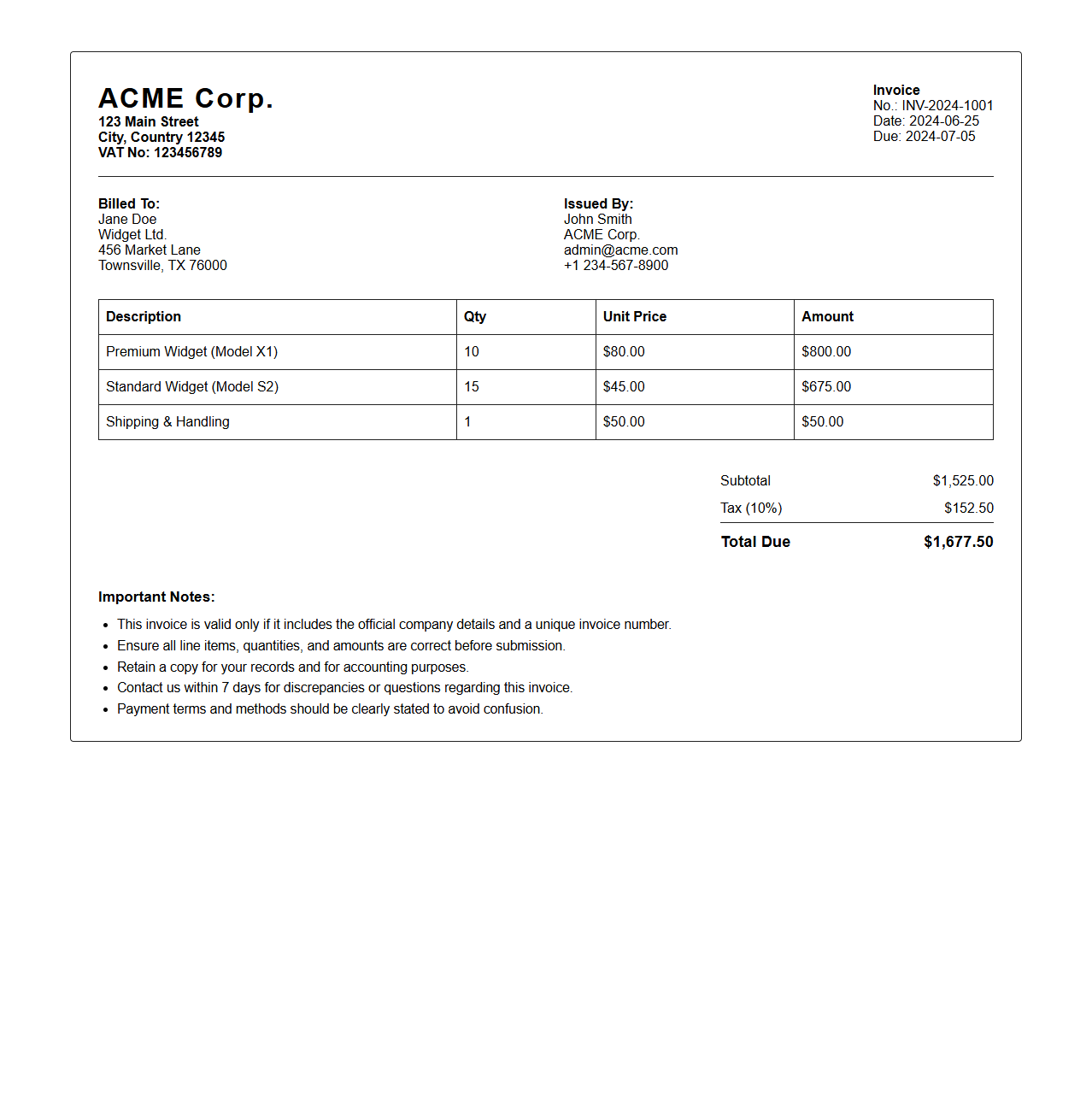
Clean Bordered HTML Invoice Format
A
Clean Bordered HTML Invoice Format document is a digital invoice template designed using HTML with clear, defined borders to separate sections such as billing details, itemized charges, and payment information. This format enhances readability and professionalism, making it easy to customize for various business needs while ensuring compatibility across different devices and browsers. The structured layout supports efficient data presentation and seamless integration with accounting or invoicing software systems.
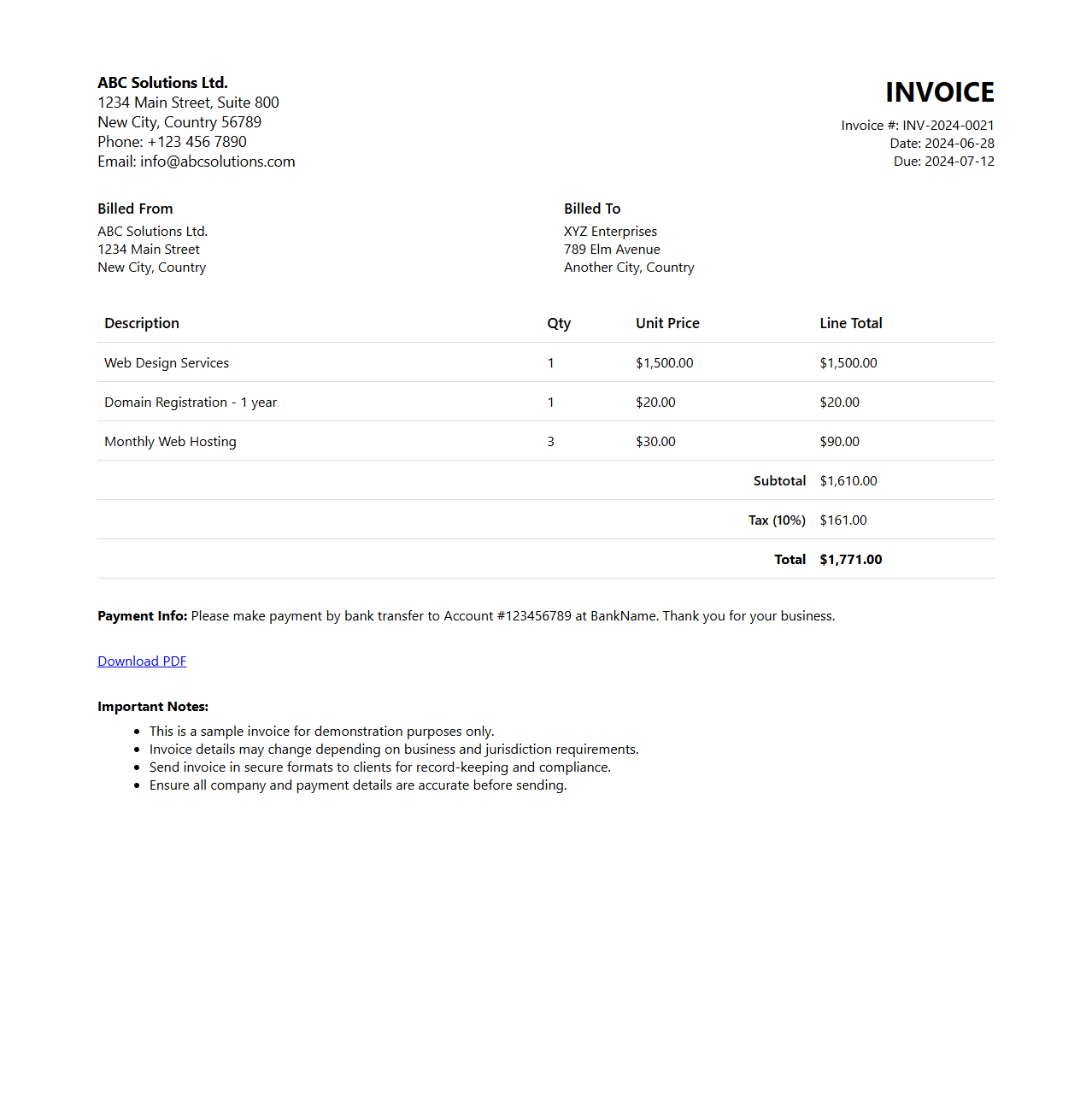
HTML Invoice Format with Download PDF Option
An
HTML Invoice Format with Download PDF Option is a digital invoice template created using HTML that allows users to view billing details online and easily download a PDF version for record-keeping or printing. This format enhances accessibility and streamlines transactions by integrating interactive elements such as buttons or links to generate and save invoices in PDF. Incorporating this feature improves user experience for businesses by offering a seamless way to manage invoices digitally.
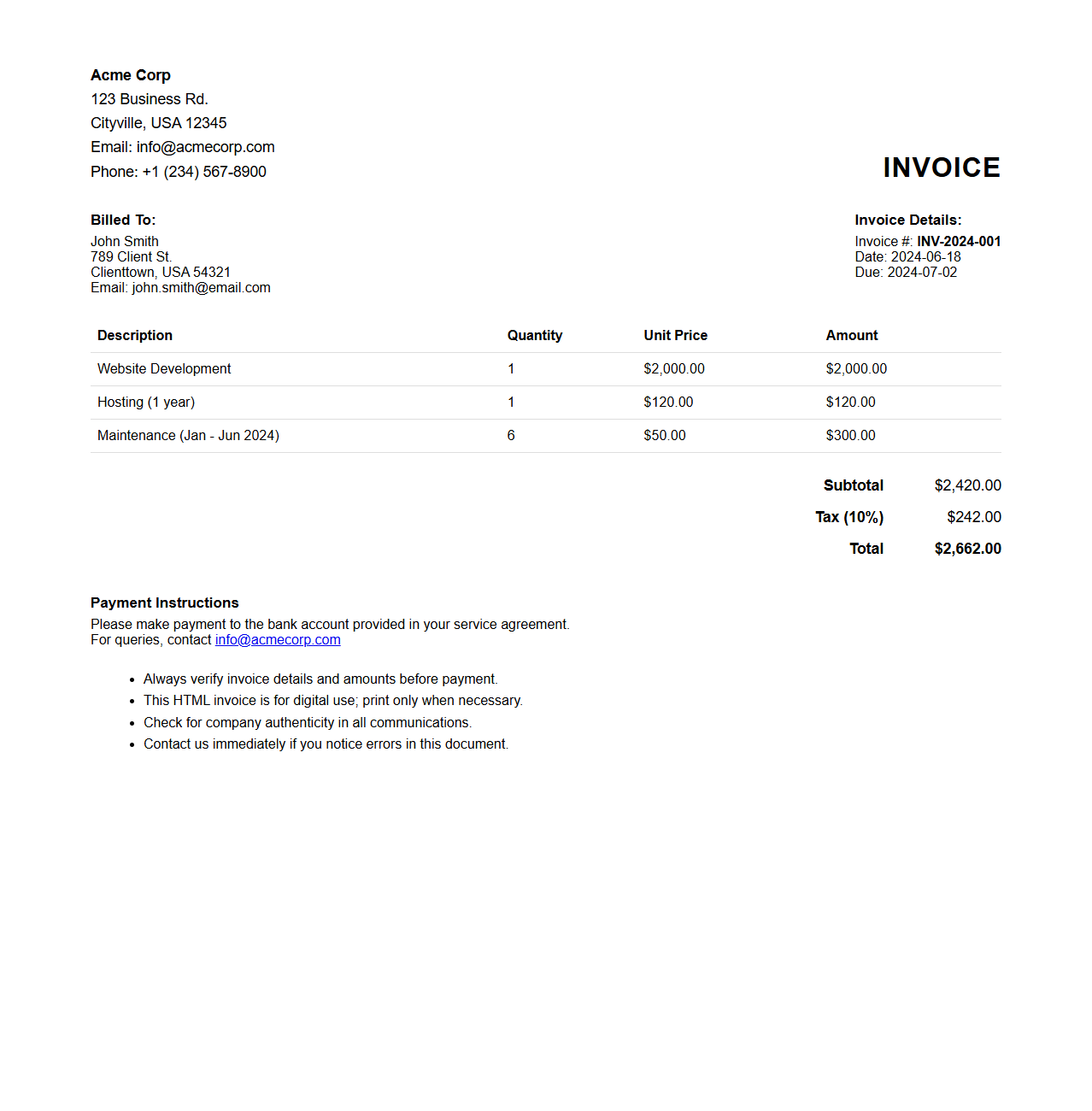
HTML Invoice Format with Inline Styles
An
HTML Invoice Format with Inline Styles document is a structured digital invoice created using HTML code, where all CSS styling is applied directly within the HTML elements using the style attribute. This format ensures consistent presentation across different email clients and browsers by embedding styles inline, avoiding issues with external or embedded CSS files. It is commonly used for best compatibility in transactional emails and simple web-based invoice templates.
Professional HTML Invoice Format for Businesses
A
Professional HTML Invoice Format for businesses is a structured digital document designed to itemize and present transaction details clearly and efficiently. It incorporates essential elements such as company information, client details, itemized billing, payment terms, and totals in a web-ready format that supports easy customization and integration. This format enhances accuracy, improves record-keeping, and facilitates faster payment processing through its compatibility with various digital platforms.
HTML Invoice File Format with Custom Logo Placement
An
HTML Invoice File Format with custom logo placement is a web-based document designed to generate professional invoices that can be easily viewed and printed across devices. This format allows businesses to embed their brand identity directly into the invoice by positioning a logo precisely, enhancing brand recognition and professionalism. The customizable structure supports dynamic data integration, enabling automated invoice creation while maintaining a clean, visually appealing layout.
What HTML tags structure the header section in an invoice file?
The <header> tag is used to define the header section in an invoice HTML file. Inside the header, elements like <h1> or <h2> provide clear titles or company names. Additionally, <address> or <div> elements can be used to group contact details for clarity.
How do you embed CSS styles for invoice tables in an HTML document?
You embed CSS styles within the <style> tag inside the <head> section of an HTML document. Styles for invoice tables typically target table, th, and td selectors to control layout and appearance. Inline styles on tables or cells can also be used but using a stylesheet is more maintainable and semantic.
Which semantic elements best represent sender and recipient addresses?
The <address> element semantically represents contact information for both sender and recipient. Using separate <address> blocks clarifies their distinct roles in the invoice. This improves accessibility and search engine understanding of sender and recipient data.
How can you insert a dynamic invoice date using HTML and JavaScript?
A dynamic invoice date can be inserted using JavaScript to get the current date and update the inner HTML of a placeholder element. Use a <span> or <div> with an id attribute to target with JavaScript. A simple script like document.getElementById('invoice-date').textContent = new Date().toLocaleDateString(); will render the current date dynamically.
What HTML markup ensures invoice totals are screen-reader accessible?
Use semantic markup such as <table> with proper <caption> and aria-label attributes for clarity. Totals should be placed within <tfoot> or marked with scope="row" on cells to aid screen readers. Additionally, role="rowheader" or descriptive labels enhance navigation for assistive technologies.